Setup Configuration Guide
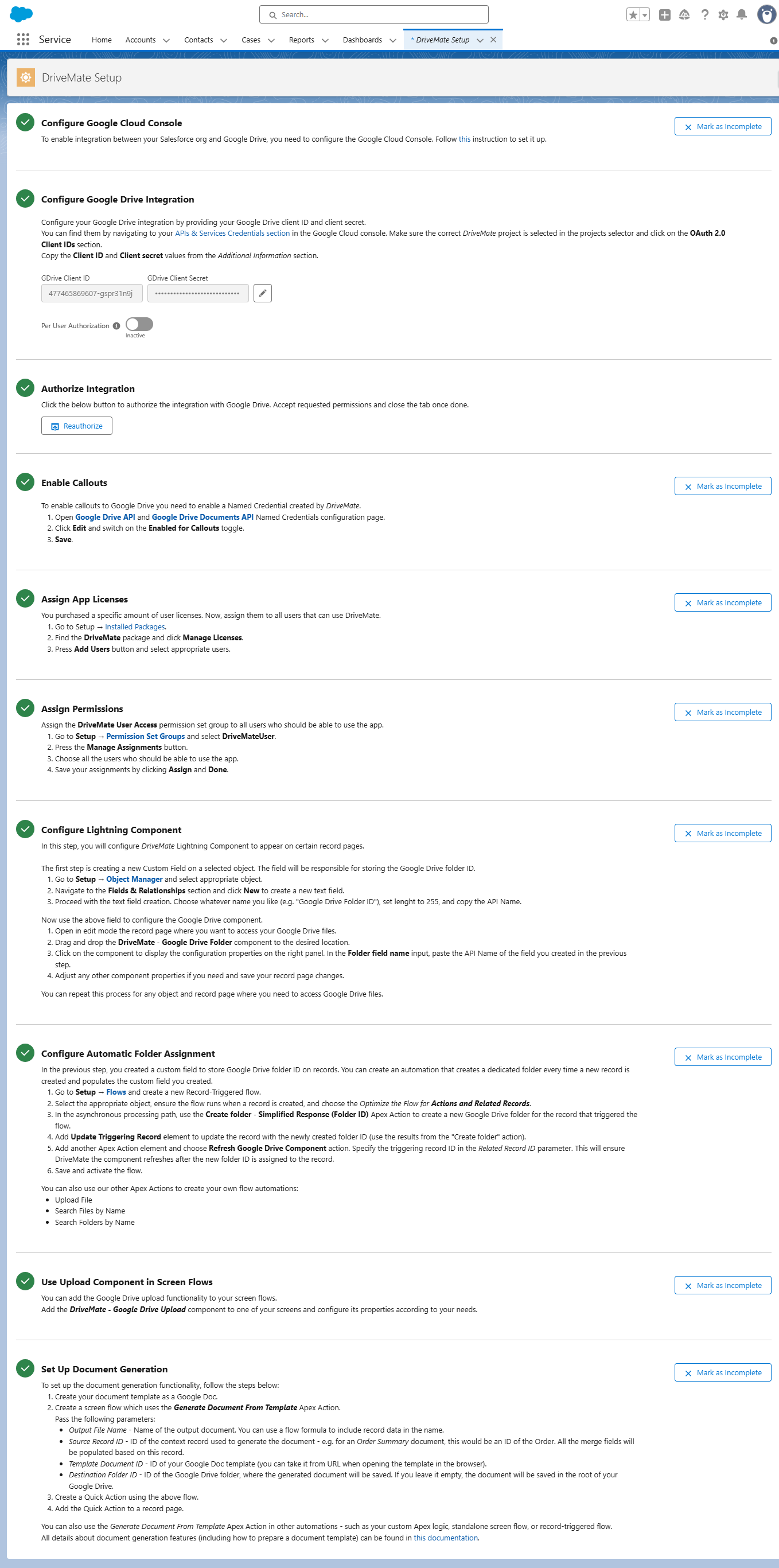
To set up the DriveMate app, follow the instructions presented on the DriveMate Setup page.
- In the App Launcher, search for DriveMate Setup.
- Follow the step-by-step instructions to configure the app.
The page will guide you through all the setup steps, including Google Cloud Console configuration and connection authorization in Salesforce.
Tip: Keep two browser tabs open - one for Google Cloud Console and one for Salesforce Setup - to speed up copy‑and‑paste steps.